
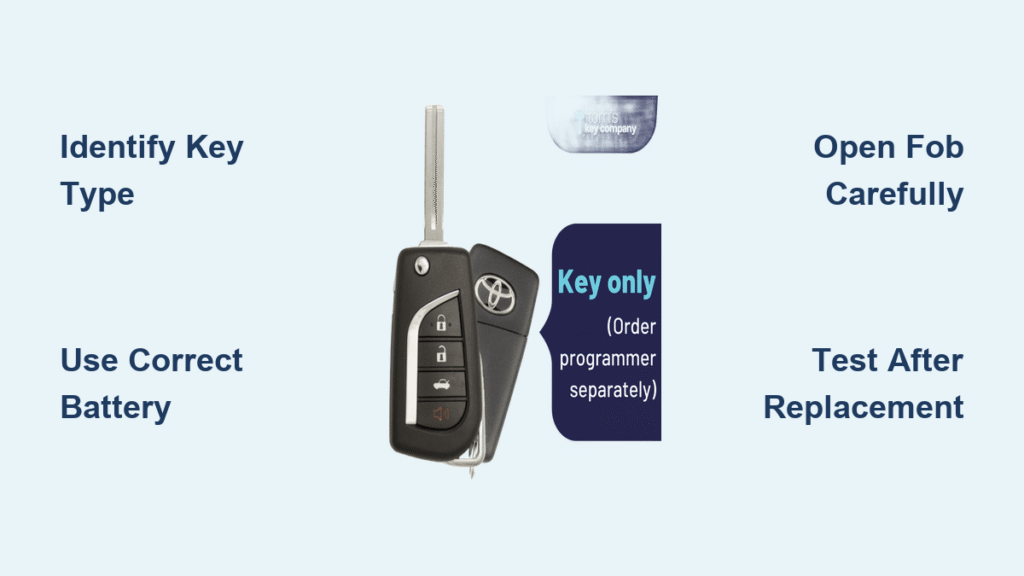
You’re standing in your driveway, groceries in hand, when your Toyota Camry key fob suddenly stops working. That familiar panic sets in as you press the unlock button repeatedly with no response. Don’t worry—replacing your Camry key battery is one of the simplest automotive fixes you’ll ever perform. In just five minutes with a $4 battery, you can avoid the $50+ dealer service fee and prevent future lockout emergencies.
Whether you drive a 2005 Camry sedan or the latest 2024 hybrid model, this comprehensive guide delivers exact battery replacement instructions tailored to your specific key type. You’ll learn how to identify your key fob generation, select the correct battery, and complete the replacement without damaging your expensive remote. No special skills required—just follow these precise steps for your model year.
Identify Your Camry Key Type Before Starting
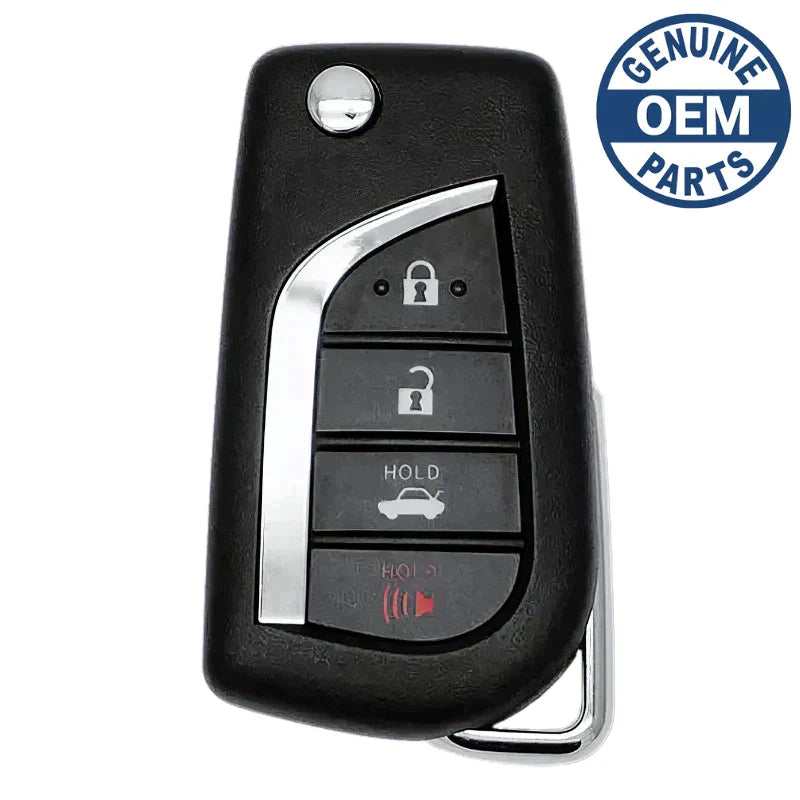
Traditional Key Fobs (1997-2011 Models)
Check for a physical metal key that pulls out from the remote housing. These older Camry keys feature visible seam lines around the fob’s edges and a separate key ring attachment point. Your key likely uses a CR2032 battery if it’s from this era. Look for a small notch on the back edge near the key ring hole—this is where you’ll insert your tool to open the fob.
Smart Key Systems (2012-Present Models)
Newer Camry keys have push-button start capability with hidden mechanical keys. If your key has a small release button on the side that ejects a physical key, you have a smart key system. These use either CR2032 or CR2025 batteries depending on your exact model year. Check your dashboard—if it displays “Key Battery Low” warnings, you definitely have a smart key system from 2016 or newer.
Gather Exact Tools and Battery for Your Model
Essential Supplies Checklist
- Correct battery type: CR2032 for most models (1997-2017) or CR2025 for some 2018+ models
- Precision tool: Small flathead screwdriver or plastic pry tool (avoid metal to prevent scratches)
- Cleaning supplies: Microfiber cloth and cotton swabs for contact cleaning
- Safety gear: Non-conductive gloves to prevent static damage (optional but recommended)
Quick Battery Verification Steps
Before purchasing a new battery, check your old one—it’s printed right on the surface. Can’t see it? Consult your owner’s manual page 3-4 for your specific model year. Pro tip: Buy two batteries—you’ll save another trip to the store when your spare key dies next month. Note that while CR2032 and CR2025 look similar, the CR2025 is slightly thinner (2.5mm vs 3.2mm)—using the wrong type causes poor contact and intermittent failures.
Traditional Key Fob Battery Replacement (1997-2011)
Open the Fob Without Damage
Hold your key with the Toyota logo facing up. Locate the small notch on the back edge near the key ring hole—this is your entry point. Insert your flathead screwdriver gently into this notch and twist slowly until you hear the first click. Work your way around the fob’s perimeter, applying minimal pressure to avoid cracking the plastic. You’ll feel the two halves separate cleanly with proper technique.
Remove and Install New Battery
Inside, you’ll see a round silver battery held in a plastic tray. Note which side faces up—look for the “+” symbol indicating positive orientation. Slide the old battery out with your fingernail or screwdriver tip, being careful not to damage the contacts. Drop the new CR2032 in the exact same orientation. Press firmly until you feel it seat properly—you should hear a subtle click confirming secure placement.
Reassemble and Test Immediately
Snap both halves together starting at the key ring end. Press along all edges until you hear consistent clicking sounds indicating a secure closure. Immediately test every button—lock, unlock, trunk release, and panic—before putting the key away. Stand 15 feet from your Camry to verify proper range. If any button doesn’t work, disassemble and check battery orientation.
Smart Key Battery Replacement Methods by Year
Slide Release Method (2012-2015 Models)
Press the small silver button on your key’s side to release the mechanical key. Look for a tiny sliding switch on the fob’s edge near the key ring. Slide this switch while simultaneously pulling the key ring portion away from the fob body. The unit separates into two pieces revealing the battery compartment. This method requires precise finger positioning—you may need to practice the motion before applying pressure.
Hidden Lever Method (2016-2020 Models)
Remove the mechanical key first. Insert it into the small slot on your fob’s back—this slot is often hidden under a rubber cover. Turn the key 90 degrees counterclockwise like opening a lock—the fob will pop open with proper technique. Separate the sections carefully by starting at the top edge to avoid damaging the internal ribbon cable. This design prevents accidental opening but requires the correct turning motion.
Twist Access Method (2021-2024 Models)
Hold your key with Toyota logo facing down. Grasp the bottom portion (opposite the buttons) and twist counterclockwise one-quarter turn. The back cover lifts off smoothly exposing the battery tray underneath. This newer design prevents accidental opening but requires firm, even pressure during twisting. Look for alignment marks on the cover to ensure proper reassembly.
Post-Replacement Testing Protocol
Immediate Function Verification
Test these critical functions within 30 seconds of reassembly:
– Lock/unlock buttons from 20 feet away (normal operating range)
– Trunk release if your Camry has this feature
– Panic button (press briefly—long presses drain battery)
– Proximity unlock (touch door handle with key in pocket)
Dashboard Warning Reset Procedure
2018+ Camrys often display “Key Battery Low” on your dashboard after replacement. This warning disappears automatically after 3-5 successful uses. If it persists beyond 10 uses, your new battery might be weak—exchange it for a fresh one. For stubborn warnings, try this reset: sit in your car with doors closed, insert key (don’t start), hold lock button 5 seconds, remove key and test.
Troubleshooting Common Replacement Issues

Key Still Dead After Battery Change
First, check if the battery is installed backwards—the + side usually faces down in Camry keys. If orientation is correct, clean the battery contacts with rubbing alcohol and a cotton swab. Test battery voltage with a multimeter—proper reading is 3.0-3.3 volts. If voltage checks out but the key still fails, your fob may need professional reprogramming, especially for 2018+ models.
Intermittent Button Response Fixes
This usually means poor battery contact. Disassemble and ensure the battery is firmly seated under the retention clip—press until you feel resistance. Clean button contacts with compressed air to remove pocket lint debris. If problems persist after two battery replacements, your key fob’s internal contacts are likely worn and need professional attention.
Battery Maintenance and Replacement Schedule
Extend Battery Life with These Habits
Store spare keys at room temperature—avoid hot cars (over 140°F degrades batteries) or freezing garages. Keep keys in a dedicated compartment away from coins and keys that cause button presses. Replace batteries every 18-24 months proactively—don’t wait for complete failure. Avoid pressing buttons unnecessarily; each press drains precious microamps from your battery.
Warning Signs of Imminent Battery Failure
Watch for these early symptoms 2-4 weeks before total failure: reduced range requiring multiple button presses, intermittent response where some buttons work but others don’t, or your Camry’s dashboard displaying “Key Battery Low” warnings. Newer models (2016+) often flash this warning on your instrument cluster—don’t ignore it!
Cost-Saving Tips for Camry Key Maintenance
DIY vs Professional Service Comparison
- DIY battery replacement: $3-8 for battery, 5 minutes time (success rate 95%)
- Dealer service: $15-25 for battery replacement plus potential programming fees
- Auto locksmith: Often charges $10-15 for battery replacement with no appointment needed
- Emergency roadside service: Costs $50-150 for after-hours key replacement
When to Consider Professional Help
Seek professional assistance if your key shows physical damage, water exposure signs, or fails after multiple battery replacements. Dealers charge $200-400 for new key fobs if yours is damaged beyond repair. If you’ve lost all programmed keys, you’ll need dealer programming—this isn’t a DIY fix due to Toyota’s security protocols.
Model-Specific Battery Reference Guide
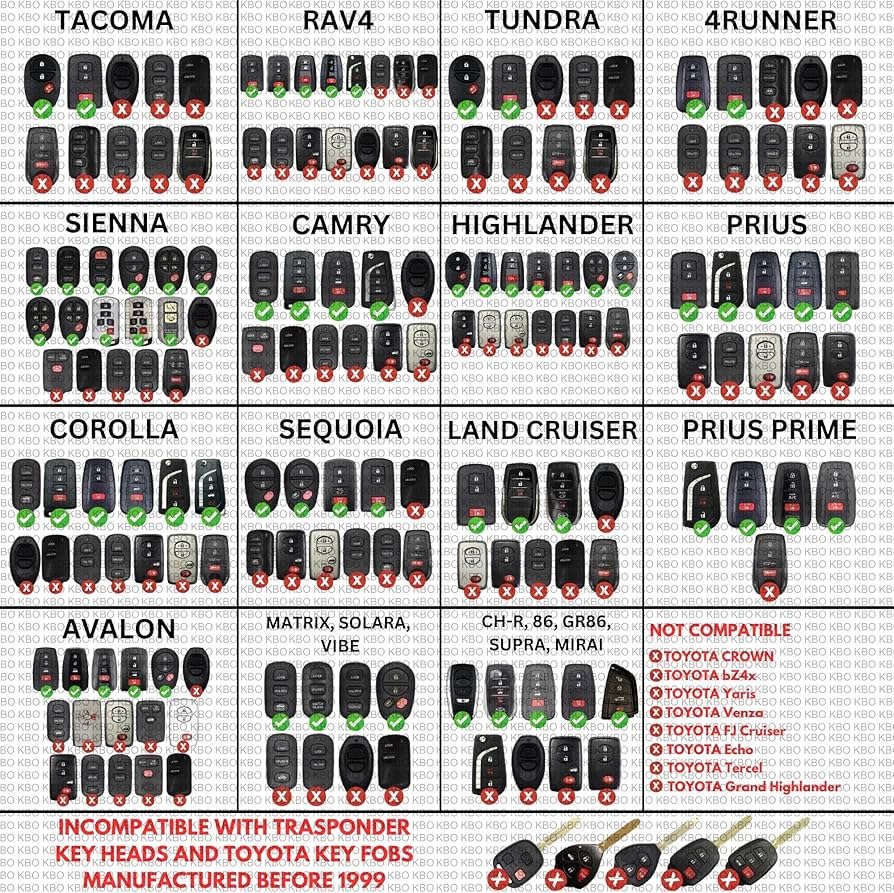
1997-2001 Camry: Separate remote unit, CR1616 (some early models) or CR2032
2002-2006 Camry: Integrated key/remote, always CR2032, no reprogramming needed
2007-2011 Camry: Smart key optional on higher trims, CR1632 for smart keys (rare)
2012-2017 Camry: Smart key standard, CR2032 only, mechanical key hidden inside
2018-2024 Camry: CR2025 in some keys, dashboard warnings standard, may require reset
Always verify your exact battery type before purchasing—using the wrong size causes intermittent failures that mimic dead batteries. Keep this reference in your glove compartment for future replacements.
Final Safety and Disposal Considerations
Handle batteries with clean, dry hands to prevent corrosion on contacts. Never use metal tools near battery terminals—this creates dangerous shorts that can damage your key’s circuitry. Recycle old batteries at any auto parts store or battery center—many offer free recycling bins near the entrance. Keep new batteries away from children and pets as they pose choking hazards and can cause internal burns if swallowed.
Your Toyota Camry key battery replacement is complete. Test your key one final time at the farthest reach of your driveway, then store that spare battery in your glove compartment—you’ll thank yourself when this happens again in 18 months. With this knowledge, you’ve just saved yourself from future lockout emergencies and unnecessary service fees.


