
You’re settled at the drive-in, engine off, ready to enjoy the movie through your car speakers—but that nagging fear hits: Will your battery die before the credits roll? This exact scenario strands thousands of drivers yearly. The good news? With the right approach, you can safely listen to your car radio without draining the battery for drive-ins, tailgating sessions, or relaxing in your driveway. In this guide, you’ll discover precisely how to listen to radio without draining car battery based on real battery performance data and electrical engineering principles—not guesswork.
Most drivers assume “just turn on the radio” is harmless, but your 12V battery has finite reserves. A healthy new battery provides 50-60 hours of radio time, but aging units or hidden power drains can slash that to under an hour. Understanding your specific vehicle’s limitations is critical before pressing play. We’ll walk through actionable steps to maximize listening time while preventing that dreaded no-start situation.
Why Your Car Radio Drain Varies by 300% Based on Battery Age
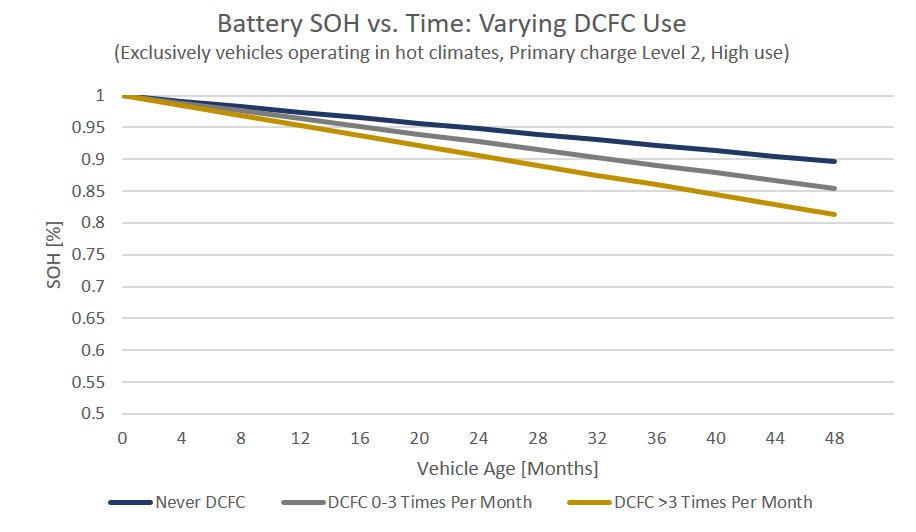
Your listening window isn’t random—it’s directly tied to battery health. A new battery at 100% charge delivers 50-60 hours of radio time because modern solid-state head units draw just 0.5-2 amps at moderate volume. But that capacity plummets as batteries age:
- New battery (under 2 years): Safely supports 8-12 hours of radio use
- 3-4 year old battery: Limited to 4-6 hours despite 40-45 theoretical hours
- Weak battery (5+ years): Restricted to 1-2 hours maximum
This dramatic reduction happens because battery reserve capacity—the minutes a battery sustains a 25-amp load before dropping below 10.5V—degrades over time. If your battery can’t handle two hours of radio use, it’s failing and needs replacement immediately. Never risk extended listening with a weak battery; that “just one more song” often becomes a stranded situation.
Critical battery health checks before parking
- Voltage test: Must show 12.6V+ with engine off (12.4V = 75% charged)
- Load test: Should maintain 9.6V+ under 200A load for 15 seconds
- Visual inspection: Check for terminal corrosion or case bulging
- Parasitic drain check: Must be under 50mA when all accessories are off
Hidden Power Drains That Slash Your Listening Time by 75%
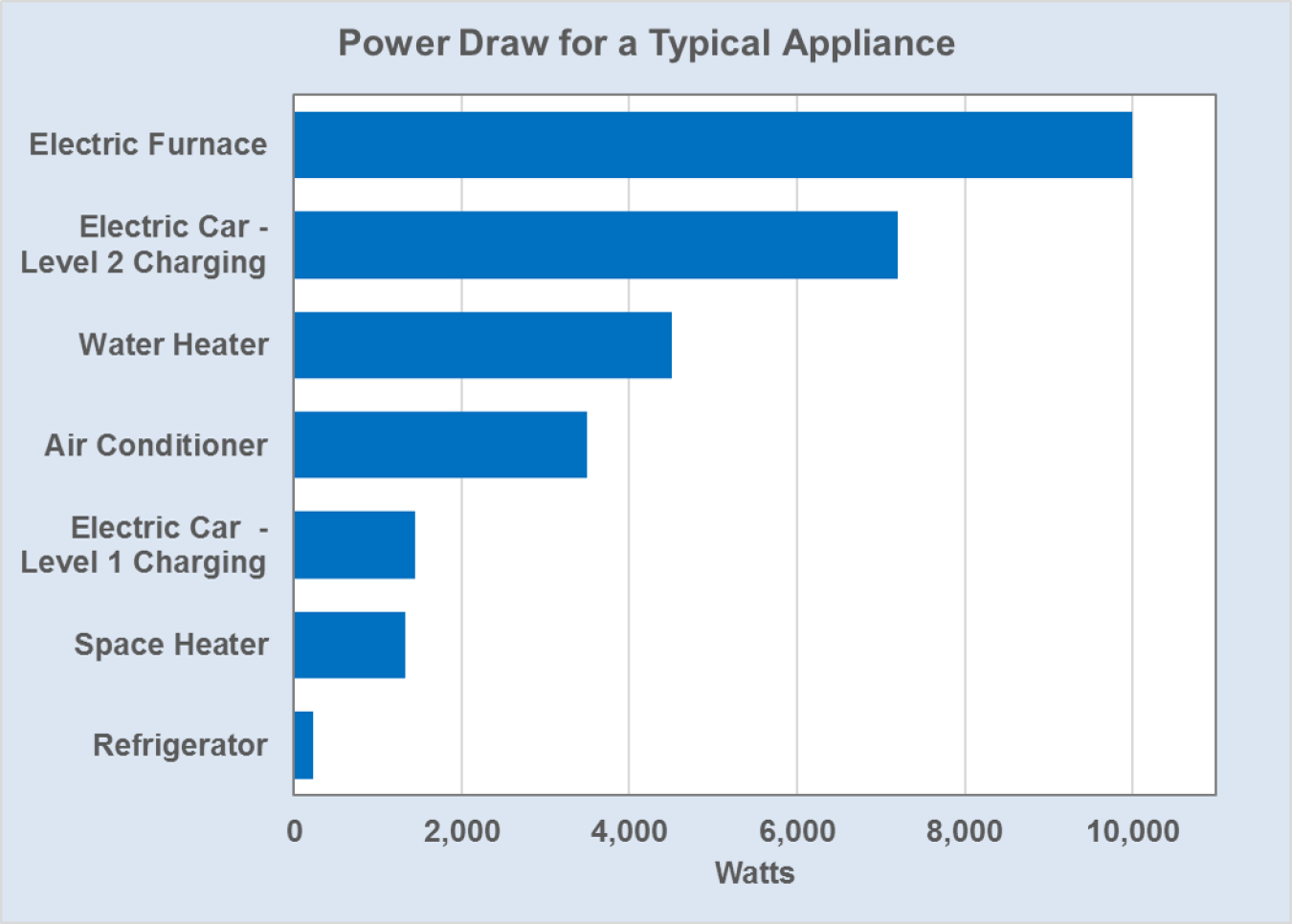
Your radio isn’t the real culprit—it’s the accessories silently killing your battery. Aftermarket amplifiers (drawing 25-30 amps) can reduce safe listening from 8 hours to under 60 minutes. Even seemingly harmless devices create dangerous drains:
Audio system traps
- Subwoofers: Continuous 5-15 amp draw cuts radio time to 2-4 hours
- High volume (80%+): Doubles power consumption versus moderate levels
- Navigation screens: 3-5 amp draw halves your available listening time
Everyday accessories that sabotage you
- Phone/laptop chargers via inverter: 5-6 amp draw drains battery in 2-3 hours
- Interior lights left on: 4-8 amp draw kills battery in 60-90 minutes
- Climate control blower: 8-12 amp draw depletes reserves in under 60 minutes
How to instantly reduce drain
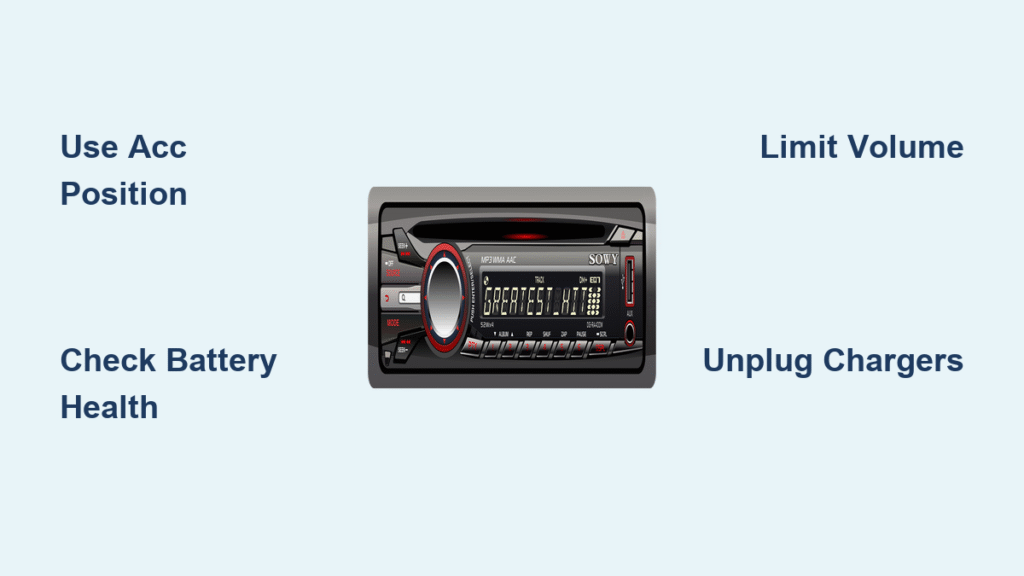
- Disable infotainment screens completely (saves 3-5A)
- Keep volume below 50% of maximum (cuts current 30-50%)
- Unplug all chargers and inverters before starting radio
- Use ACC position only—not “ON”—to avoid ignition coil drain
Step-by-Step Protocol for 4+ Hours of Safe Radio Use
Follow this sequence to maximize listening without stranding yourself. Healthy batteries support 4+ hours when you implement these electrical safeguards:
Pre-arrival preparation
- Charge phones/laptops while driving using alternator power
- Disable daytime running lights (pull fuse or switch to OFF)
- Verify battery voltage ≥12.6V before parking
On-site setup checklist
- Insert key to ACC position only (never “ON”)
- Turn off all interior lights and navigation displays
- Set volume to ≤50% of maximum capacity
- Confirm no accessories are plugged into 12V ports
Time limits by battery condition
- New/healthy battery: 4-hour maximum
- 3-4 year old battery: 2-hour maximum
- Unknown/weak battery: Bring portable radio or run engine 10 minutes after 1 hour
Emergency Power Solutions That Eliminate Drain Risk

When your battery’s questionable or you need all-night listening, these alternatives bypass drain concerns entirely:
Portable radio options
- Battery-powered FM radio: Runs 20-30 hours on 2 AA batteries ($15-40)
- Bluetooth speaker with radio: 10-20 hour runtime ($30-150)
- Rechargeable emergency radio: Includes weather alerts and USB charging ($25-60)
Car-integrated backups
- Lithium jump starter: Doubles as power bank ($60-120)
- Solar battery maintainer: Trickle-charges during use ($30-80)
- Secondary deep-cycle battery: For frequent users ($150-300 + install)
Pro tip: Costco Group 35 batteries consistently outperform competitors for reliability during extended radio use. Avoid cheap replacements—they fail faster under accessory loads.
Real-World Failure Cases and How to Avoid Them
Drive-in disaster: 2011 Infiniti at 60k miles
- Failure: Battery died after 20 minutes of radio use
- Cause: Undiagnosed weak battery (over 5 years old)
- Fix: Load-tested at auto parts store; replaced with new unit
Daily stop catastrophe: 2008 Expedition
- Failure: No-start after three 10-minute radio sessions
- Cause: Motorcraft battery (3.5 years old) couldn’t handle repeated shallow cycling
- Fix: Now carries lithium jump pack for emergency recharges
These cases prove that battery age—not just listening time—determines your risk. Always test before relying on extended radio use.
Troubleshooting Sudden Battery Failure During Listening
If your battery dies quickly during radio use, diagnose these immediate issues:
DIY checks you can do in 5 minutes
- Terminal corrosion: Clean white/blue deposits with baking soda solution
- Parasitic drain: Should measure <50mA with multimeter
- Age verification: Replace batteries older than 3-5 years
Professional help indicators
- Battery fails free load test at auto parts store
- Charging system shows <13.8V when engine runs
- Requires jump-starts more than twice monthly
Critical note: Idling 5 minutes every hour does not meaningfully recharge your battery. Alternator output at idle is minimal, and starter motor draw negates any gains. If approaching time limits, either drive 10-15 minutes or switch to portable radio.
Quick Reference: Safe Listening Time by Scenario
| Your Setup | Safe Duration | Must-Do Actions |
|---|---|---|
| Stock radio, healthy battery | 8-12 hours | Use ACC position, screens off |
| Stock radio, 4-year battery | 4-6 hours | Carry jump pack, limit to 1 movie |
| + Amplifier/subwoofer | 1-2 hours | Switch to portable speaker |
| + Laptop charging | <2 hours | Charge devices while driving |
| Drive-in double feature (5 hours) | Possible with precautions | Run engine 10 min midway, bring backup radio |
Final Safety Checklist Before Pressing Play
Never leave home without these essentials when planning extended radio sessions:
– Lithium jump pack ($60-120) for instant restarts
– Portable FM radio ($20) as backup audio source
– Multimeter to verify battery health on-site
– Agreed jump protocol with neighboring cars at drive-ins
Remember: Your car battery’s primary job is starting the engine—not powering entertainment. Treat extended radio use as a calculated risk. By following these data-backed methods for how to listen to radio without draining car battery, you’ll enjoy your music or movie audio without the click-click of a dead battery. If your battery can’t reliably handle two hours of radio time, replace it immediately—it’s not worth the risk. Always prioritize battery health over convenience; a $150 battery beats a $100 jump service call any day.


