
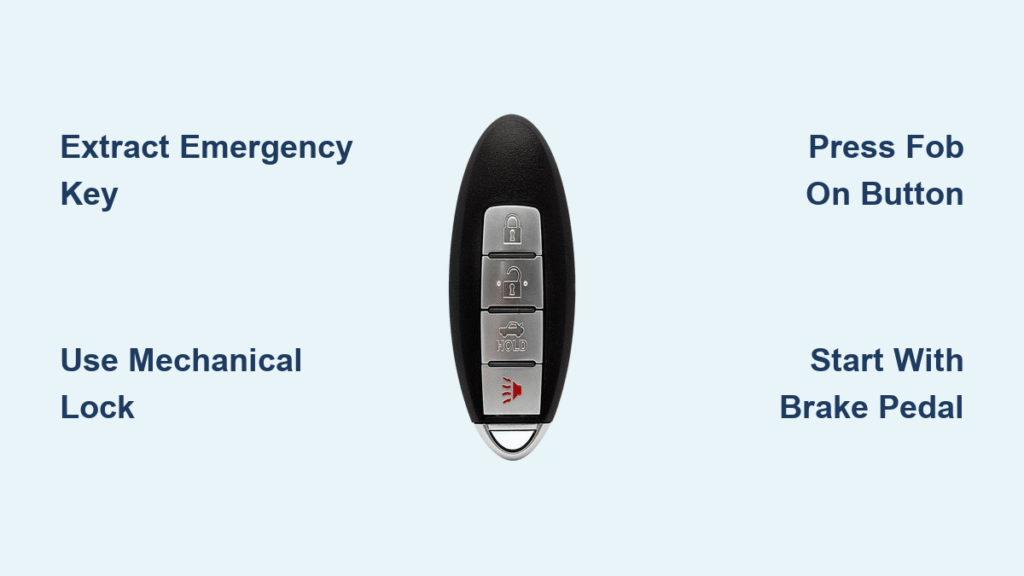
You’re sprinting to your Nissan with minutes to spare for an important meeting when the unlock button on your key fob fails completely. That sinking feeling hits—you’ve got a dead key fob battery with no time to waste. Don’t panic: every Nissan smart key has built-in emergency solutions designed specifically for this scenario. You can access your vehicle and start the engine in under 5 minutes using hidden mechanical backups and clever transponder workarounds, even with zero battery power. This guide delivers the exact steps Nissan engineers intended for dead key fob emergencies, including model-specific tricks for Altima, Rogue, and Sentra drivers.
Most drivers don’t realize their key fob contains a physical emergency key and that the car’s ignition system can detect the fob’s transponder chip without battery power. Following these procedures correctly bypasses all electronic dependencies, turning a potential crisis into a 30-second fix. You’ll learn how to locate hidden access points, start your engine using brake pedal sequences, and avoid costly tow truck fees—all while preparing for future battery failures.
Unlock Nissan Door With Dead Key Fob Emergency Key
Locate and Extract Your Hidden Mechanical Key
Flip your key fob over to find the small release latch along the bottom edge—this spring-loaded mechanism is easily missed when you’re stressed. Press firmly inward while simultaneously pulling the emergency key straight out from the fob’s base. You’ll hear a distinct click as the slim metal key disengages. If you struggle, use your fingernail to hook the latch recess; never force it, as this can break the plastic housing.
Insert this key into the driver’s side door lock cylinder, which is cleverly concealed under a small rubber or plastic flap on the door handle. Apply steady clockwise pressure while turning—older Nissan models may require slight upward/downward handle manipulation during rotation. You’ll feel the lock mechanism engage within 1-2 full turns. This mechanical backup functions identically to pre-2000s car keys, bypassing all electronics entirely.
Start Nissan Engine With Dead Key Fob Battery
Vehicles With Dedicated Key Fob Port (2016+ Models)
Find the emergency key slot in your center console—look for a rectangular opening marked with a key symbol or “KEY” label, often hidden beneath a sliding cover near cup holders. Slide your entire key fob into this port until it clicks flush against the dashboard. Press and hold your brake pedal (clutch for manuals) while pressing the START/STOP button for 2 full seconds. The car detects the fob’s transponder chip through direct electrical contact, ignoring the dead battery. If the engine doesn’t crank, wiggle the fob slightly to ensure metal contacts align.
Vehicles Without Key Fob Port (Pre-2016 Models)
Sit in the driver’s seat with doors closed and press your brake pedal firmly. Hold the key fob flat against the START/STOP button—place the fob’s center logo directly on the button’s surface. Maintain firm contact while pressing the START/STOP button as if starting normally. The proximity sensor reads the fob’s transponder chip through physical conduction, requiring zero battery power. If initial attempts fail, reposition the fob vertically against the button’s left edge where sensors are most sensitive.
Model-Specific Nissan Starting Solutions
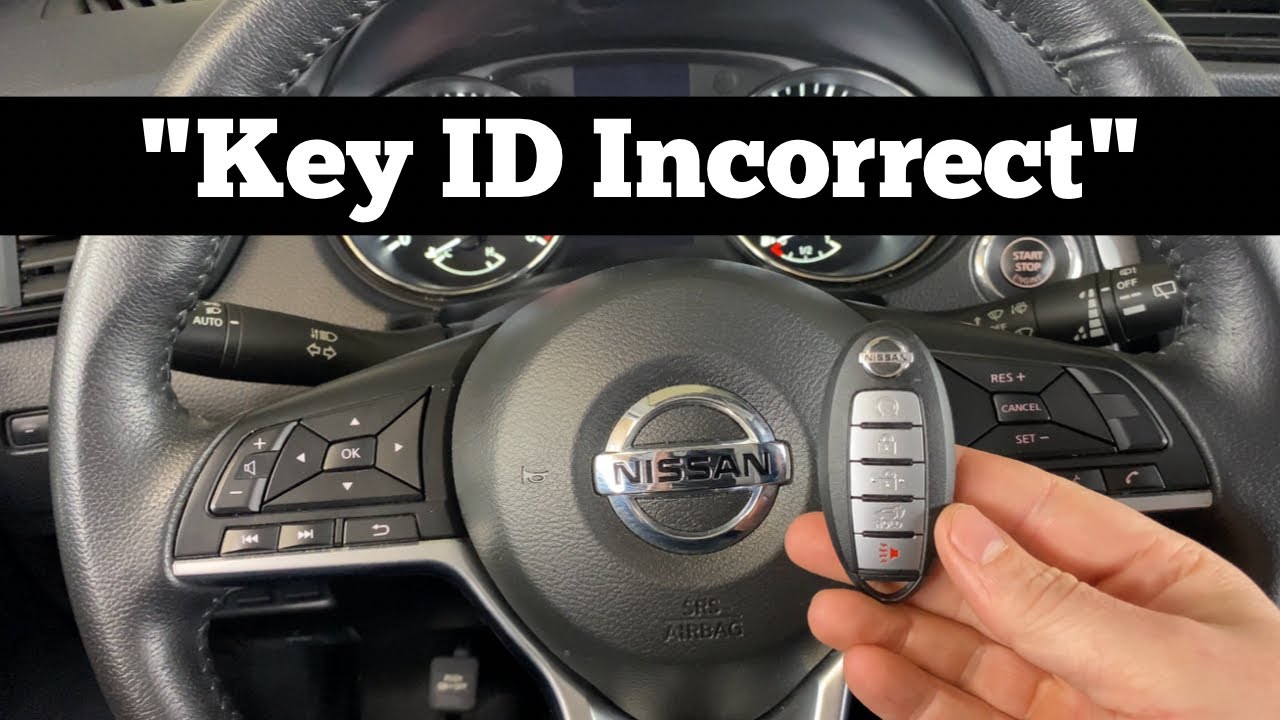
Nissan Altima Emergency Ignition Slot (2013-2018 Models)
Certain Altima trims feature a concealed mechanical keyhole beneath a flip-up panel next to the steering column. Insert your emergency key directly into this slot—no turning required. Press and hold the START/STOP button while keeping the key inserted. The system recognizes the physical key presence, bypassing the fob entirely. This method works even if your Altima lacks a visible key port, as the slot is intentionally hidden to maintain the car’s modern aesthetic.
Nissan Sentra Direct Contact Start (All Keyless Models)
Position your key fob against the START/STOP button with the button side facing outward (logo toward windshield). Press the brake pedal all the way down while holding the fob stationary against the button. Tap the START/STOP button twice quickly—this double-press sequence triggers the Sentra’s backup detection mode. If equipped with remote start, this method also activates climate control pre-heating/cooling. Never place the fob in your pocket during this process; direct skin contact can disrupt transponder signals.
Nissan Rogue Key Port Activation (2017+ Models)
Insert your key fob into the port located inside the center console’s rear cup holder compartment—many owners miss this recessed slot. Press the brake pedal once to activate the electrical system, then press the START/STOP button within 5 seconds. The Rogue requires this precise timing sequence; delay beyond 5 seconds forces you to restart the process. If your Rogue lacks this port (check 2014-2016 models), use the direct-contact method with the fob pressed against the button’s lower-right quadrant.
Replace Nissan Key Fob Battery in 90 Seconds
CR2025 vs CR2032: Critical Battery Selection
Your Nissan key fob requires a CR2025 3V lithium battery in 90% of models—this thinner battery fits precisely in the fob housing. Only use CR2032 as a temporary substitute if absolutely necessary, as its extra thickness can prevent the fob from snapping shut. Verify battery type by checking your owner’s manual’s “Key Fob Specifications” section (page 12-15) or examining the old battery’s printed label. Dollar stores often sell counterfeit batteries; purchase name-brand CR2025s (Energizer, Duracell) from auto parts stores for guaranteed 24-month lifespan.
Foolproof Battery Swap Procedure

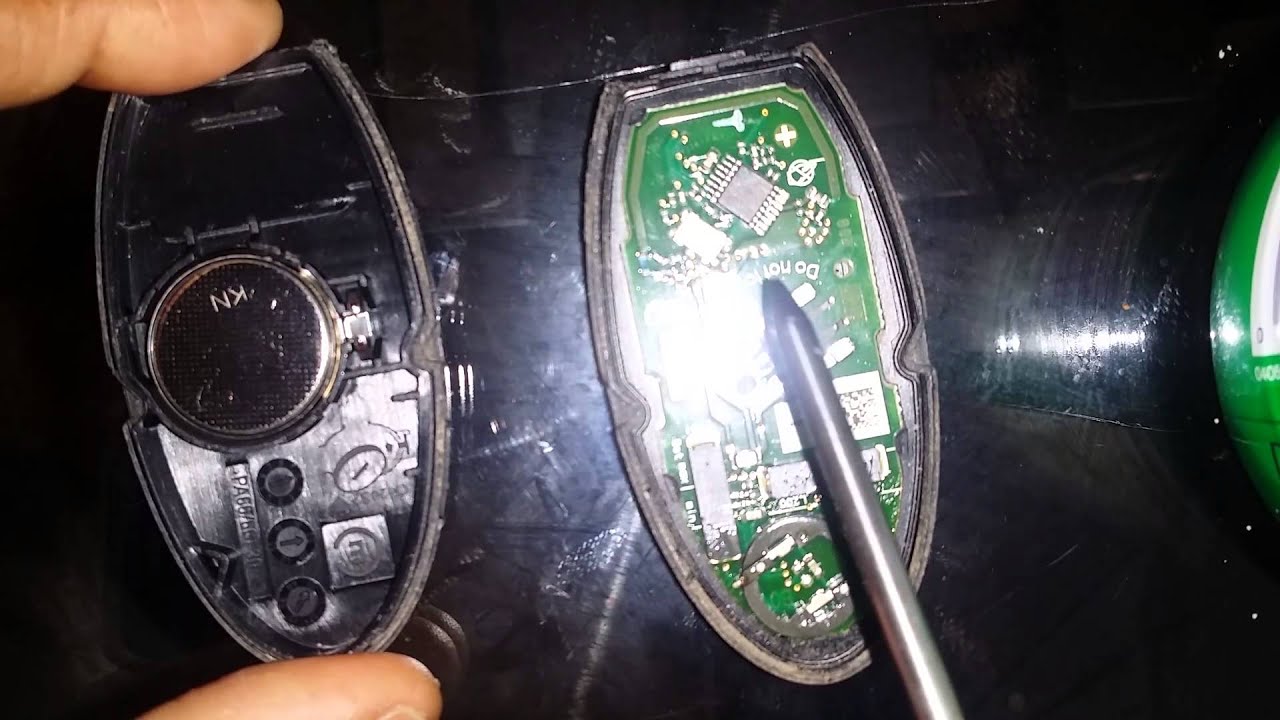
1. Remove emergency key using the release latch
2. Slide flathead screwdriver into the fob’s seam near the key slot
3. Gently twist to separate casing halves—never pry upward to avoid cracking
4. Note orientation: Negative side (smooth, marked “-“) faces UP toward you
5. Pop out old battery with plastic spudger (metal tweezers risk short circuits)
6. Insert new CR2025 with negative side visible in the casing
7. Snap halves together starting at the key slot end
8. Test immediately by locking/unlocking doors from 10 feet away
Warning: If the fob doesn’t respond after replacement, reset the system by holding the lock and unlock buttons simultaneously for 15 seconds. Never touch battery contacts with fingers—skin oils corrode terminals within weeks.
Fix Persistent “No Key Detected” Errors
Immediate Detection Failure Solutions
Replace both key fobs if you own multiple sets—even one weak battery confuses Nissan’s dual-receiver system. Inspect fob for moisture damage around the key slot; silica gel packs in your glove box prevent humidity-related failures. Move your car 20 feet from metal structures like parking garage columns that block RF signals. When testing, stand on the driver’s side—Nissan’s primary receiver is located in the door handle, not the dashboard.
When Standard Fixes Fail
Reprogram your key fob by inserting the emergency key into the ignition slot (if equipped), turning to “ON” position, then pressing any fob button within 10 seconds. Physical fob damage like cracked casings or water stains requires $120-$180 replacement at dealerships—DIY superglue repairs often destroy circuitry. Vehicle receiver issues manifest as inconsistent detection across multiple fobs; visit Nissan service centers for antenna diagnostics using OEM scanners.
Prevent Key Fob Battery Emergencies
Strategic Battery Maintenance Schedule
Replace batteries every 18 months regardless of performance—set phone reminders for January and July. Store spare CR2025s in anti-static bags (included with new batteries) inside your glove box; loose batteries short-circuit against coins or keys. Use lithium batteries exclusively—alkaline variants leak and destroy fobs within months. Test battery health monthly by checking if lock/unlock range exceeds 30 feet.
Ultimate Backup System
Program a second key fob during routine service—many dealers do this free for active warranties. Keep your emergency key on a separate keychain labeled “Nissan Access Only” in your wallet. Place a CR2025 battery inside your sun visor storage compartment wrapped in tissue paper. Drivers in cold climates should carry hand warmers to prevent battery drain below 14°F.
Emergency Starter Sequence Card
- Pull emergency key from fob base using release latch
- Unlock driver’s door manually via hidden lock cylinder
- Enter vehicle and close all doors firmly
- Press brake pedal fully (clutch for manuals)
- Hold key fob against START/STOP button (or insert in port)
- Press START/STOP button for 2 seconds until ignition engages
- Drive directly to auto parts store for CR2025 replacement
Pro Tip: Practice these steps once monthly with fresh batteries. Familiarity cuts emergency time by 70% and prevents panic-induced mistakes like pressing the button before engaging the brake pedal. Keep this sequence memorized—you’ll never need roadside assistance for dead key fobs again.
Mastering these Nissan-specific procedures turns a dead key fob from a crisis into a minor inconvenience. By leveraging the mechanical emergency key and transponder backup systems, you maintain control regardless of battery status. Implement the proactive battery replacement schedule and dual-fob strategy to eliminate future lockouts entirely—your Nissan was engineered for these scenarios, you just needed the right instructions.


