
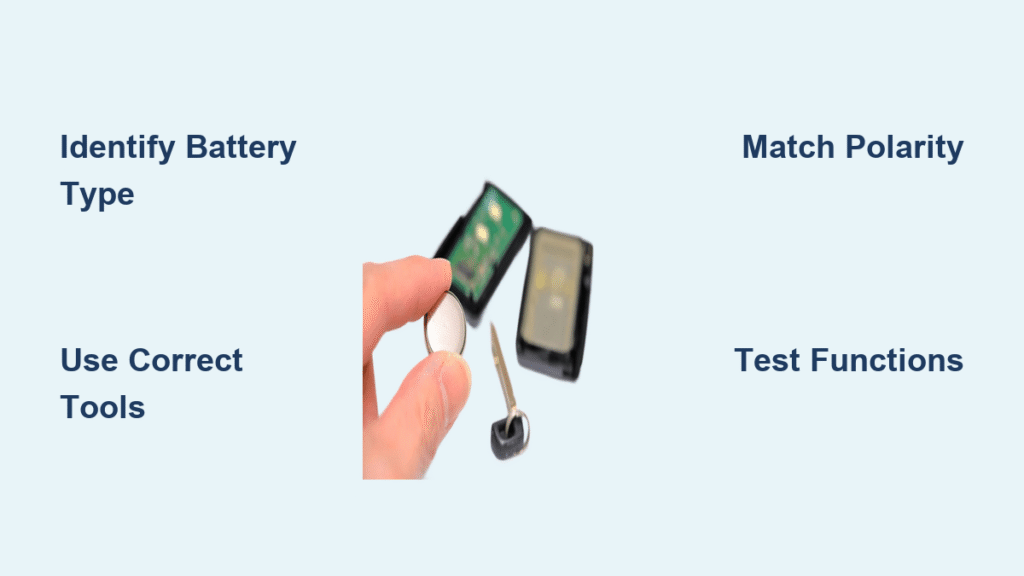
Your key fob suddenly fails across the parking lot, forcing you to stand nose-to-car just to unlock the door. That frustrating moment almost always means one thing: your car key battery is dead. Replacing it yourself takes just five minutes and costs less than $10—no dealership visit needed. This guide shows you exactly how to install car key battery correctly for any vehicle, avoiding common pitfalls that could leave you locked out. You’ll learn to identify your fob type, choose the right replacement, and complete the swap without damaging delicate components.
Ignoring early battery warnings risks being stranded when the fob dies completely. Modern key fobs give clear signals before total failure, and replacing the cell proactively saves you from $50-$150 dealer fees. Whether you drive a Honda Civic, Ford F-150, or BMW, this universal method works for 95% of vehicles. Let’s get your key working reliably again.
3 Key Fob Designs That Control How You Install the Battery
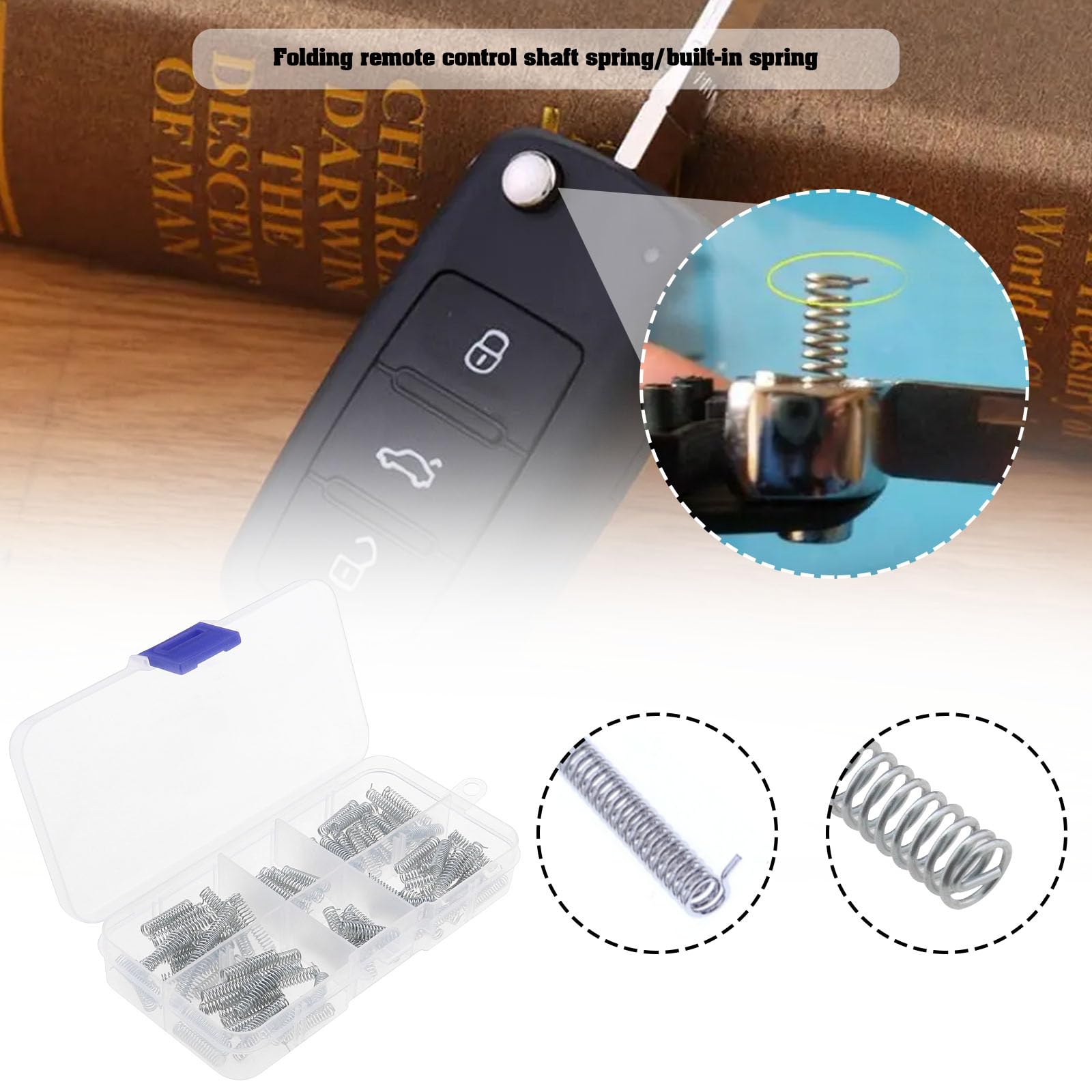
Your fob’s design dictates the exact method for accessing the battery. Flip-key models like Ford and Honda hide the battery behind the mechanical key slot. Screw-held fobs (common in Chevrolets) require removing tiny Phillips screws. Seam-only designs (many newer Toyotas) snap apart along invisible seams. Identifying yours prevents cracked casings or broken clips during the how to install car key battery process. Work over a soft cloth—dropped screws vanish instantly on hard floors.
Flip-Key Fobs: Switchblade Style Opening Method
- Release the metal key: Press the side button while pulling the blade outward
- Locate the hidden slot: Check inside the empty key cavity for a thin notch
- Pry gently: Insert the key tip, dime, or flat-head screwdriver and twist slowly until the shell pops open
Warning: Forcing this step cracks plastic housings—apply steady pressure only where the slot guides you
Screw-Held Fobs: Precision Screw Removal Steps
- Extract the mechanical key: Pull straight out to expose the rear cover
- Find the tiny screw: Look for a Phillips-head screw (often hidden under rubber)
- Remove carefully: Turn counterclockwise with a precision screwdriver and store in a cup
- Separate shells: Slide a plastic pry tool around the seam until the cover lifts
Pro Tip: Place tape over the screw head first—this catches slipping tools and prevents scratches
Spot These 5 Early Warning Signs Before Total Failure
Don’t wait for complete battery death—replace cells at the first sign of trouble. Reduced range is the most reliable indicator: if you must stand within 10 feet instead of 30-50 feet for the fob to work, the battery is failing. Inconsistent responses (needing multiple button presses) or dim LED lights signal imminent failure. Push-button start systems often display “Key Not Detected” warnings weeks before total shutdown. Some dashboards even show dedicated battery-low icons. Monthly range tests catch issues early—stand at your usual distance and press lock/unlock. If response weakens, replace the battery immediately to avoid lockout emergencies.
CR2032, CR2025, or CR1620? Pick the Exact Battery for Your Fob
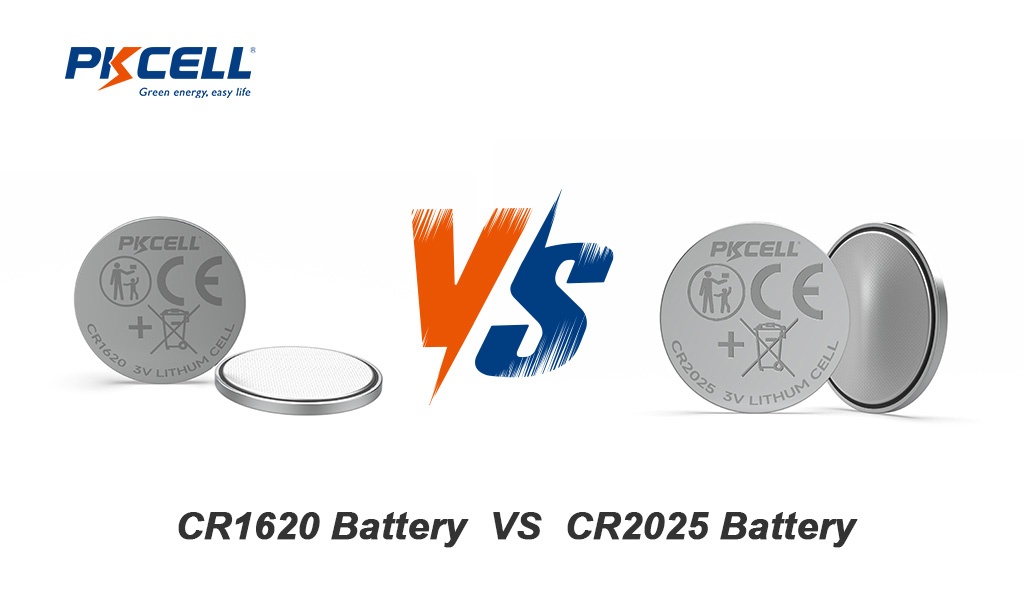
Using the wrong battery type causes intermittent function or complete failure after installation. CR2032 powers 70% of modern fobs (3V, 20mm diameter, 3.2mm thick). Thinner CR2025 cells fit compact fobs like some Volkswagens. Honda CR-Vs and older models often require smaller CR1620 batteries. Always verify by:
– Checking the old battery’s printed code (CRXXXX)
– Consulting your owner’s manual under “Key Battery Replacement”
– Looking for embossed text on the fob’s back casing
Buy from pharmacies or auto parts stores—avoid no-name online packs that fail in months. A quality CR2032 costs $3-$8 per 2-pack and lasts 2-4 years. Store spares in a cool, dry place; heat accelerates self-discharge. Never mix old and new batteries in dual-cell fobs like Ford Mustangs—install matching pairs.
Essential Tools for Installing a Car Key Battery Without Damage
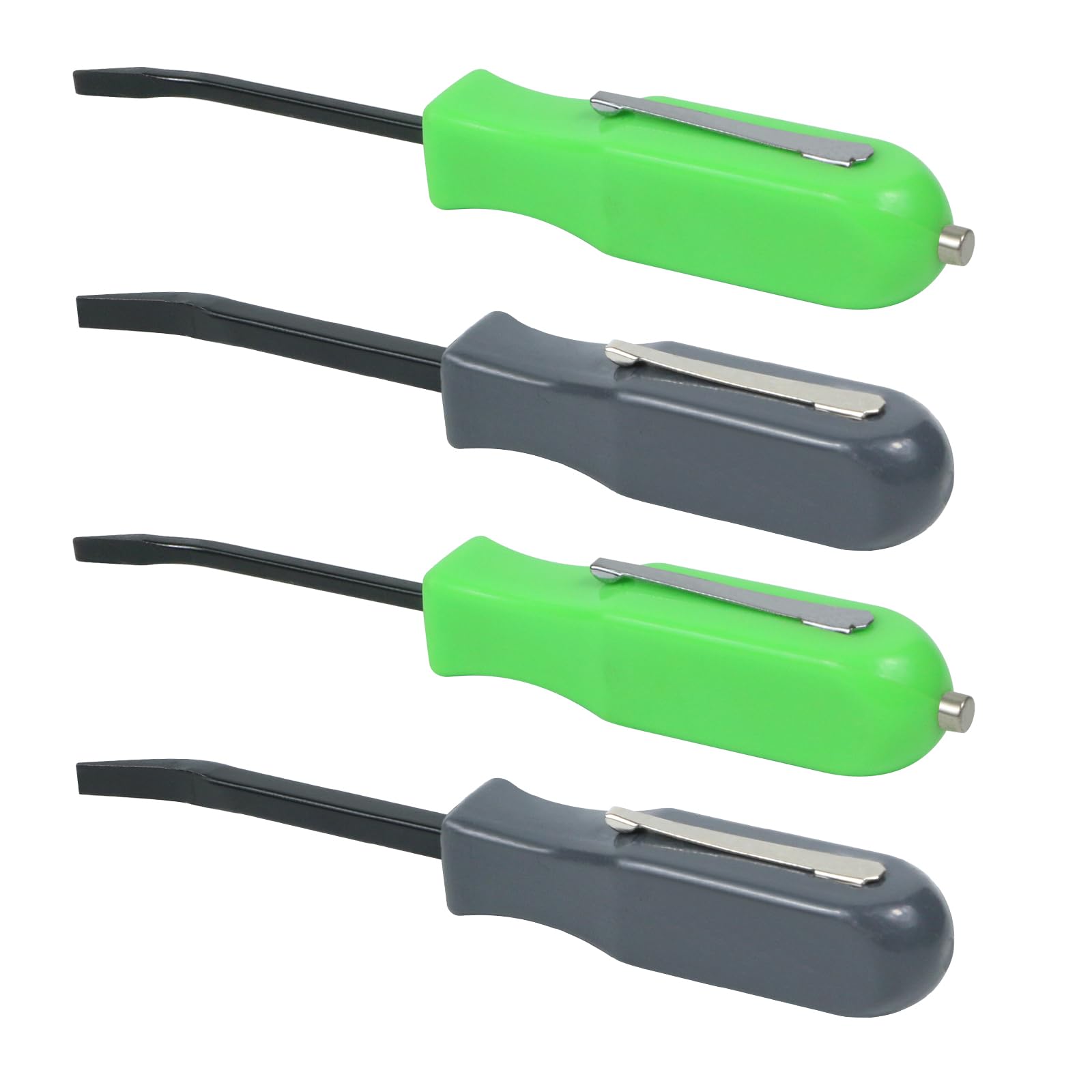
Skip expensive kits—these four household items suffice:
– Plastic pry tool (or small flat-head screwdriver wrapped in tape to prevent scratches)
– Coin (dime or nickel for emergency prying in flip-key fobs)
– Microfiber cloth (creates a safe workspace and catches tiny parts)
– Small container (holds screws—use a magnetic tray if available)
Set up under bright light on a table covered with the cloth. Avoid carpeted floors where screws disappear. For screw-held fobs, use a precision Phillips #00 screwdriver—standard sizes strip tiny heads. If prying seam-only fobs, rotate your tool position frequently to distribute pressure and prevent cracking. Never use knives or metal scissors—plastic components scratch easily.
Replace the Battery Step-by-Step: Avoid Costly Mistakes
Remove the Old Battery Safely
- Lever carefully: Slide your tool under the battery edge and lift straight up—no twisting
- Respect clips: Gently push plastic retention clips outward; forcing them causes breakage
- Note orientation: Photograph the + (positive) side position before removal—this is critical
Install the New Battery Correctly
- Verify polarity: Match the new battery’s + side to the old battery’s position (usually facing up)
- Seat firmly: Drop the cell into the recess and press until it clicks under clips
- Dual-battery check: For fobs like Audis, install both cells with identical orientation
Warning: Reversing polarity drains the new battery in hours—always double-check before closing
Test Your Key Fob After Battery Installation: 5 Functions to Check
Don’t assume success after snapping the fob shut. Test immediately at 20 feet:
1. Lock/unlock doors – Should respond within one second
2. Remote start – Confirm engine turns over
3. Trunk release – Verify full function
4. Panic button – Check alarm activation
5. Push-button start – Ensure “Key Not Detected” warnings disappear
If functions fail, reopen the fob immediately. 90% of issues stem from reversed batteries or incorrect types (CR2025 vs CR2032). For persistent “Key Not Detected” errors, re-sync the fob per your manual—most require holding lock/unlock buttons for 10 seconds with the fob near the steering column.
Fix These 4 Common Problems After Replacing Your Key Battery
| Symptom | Quick Fix |
|---|---|
| No response after installation | Battery inserted backward—flip 180° |
| Works only at close range | Wrong battery type (CR2025 in CR2032 slot)—replace exact match |
| “Key Not Detected” on push-start | Reprogram fob: Hold lock button 10 sec with key in ignition |
| Fob completely dead | Internal damage—visit dealership for diagnostics |
Never force buttons repeatedly when testing—this drains the new battery. If re-syncing fails after three attempts, the fob may need professional reprogramming.
Double Your Key Fob Battery Life With These 4 Pro Tips
Extend battery lifespan beyond the typical 2-4 years:
– Prevent pocket presses: Store fobs in dedicated pockets away from keys or coins that accidentally activate buttons
– Perform range tests: Every 6 months, check operating distance—replace at first noticeable reduction
– Avoid extreme temps: Never leave fobs on dashboards in summer (heat kills batteries)
– Buy quality cells: Duracell or Panasonic last 50% longer than discount brands
Replace batteries proactively when range drops below 15 feet—even if the fob still works. This prevents sudden failures during bad weather or unsafe locations.
Dispose of Old Car Key Batteries Safely: Avoid Fire Hazards
Never toss spent batteries in household trash—they contain lithium and heavy metals that leak into soil. Drop them at:
– Electronics retailers (Best Buy, Staples)
– Hardware stores (Home Depot, Lowe’s)
– Pharmacies (CVS, Walgreens)
Critical Warning: Do not incinerate, puncture, or recharge these batteries—fire risk is severe. Tape terminals with clear tape before disposal to prevent short circuits.
Quick-Reference Checklist: Install Car Key Battery in 5 Minutes
- [ ] Identify battery type (CR2032/CR2025) from old cell or manual
- [ ] Buy quality replacement ($3-$8 at drugstore)
- [ ] Remove mechanical key (if present)
- [ ] Open fob using correct method for your design
- [ ] Note battery orientation (+ side up/down)
- [ ] Install new cell with matching polarity
- [ ] Snap shells together until fully seated
- [ ] Test all functions from 20+ feet away
Replacing your car key battery takes less time than your morning coffee run. This simple fix prevents $100+ dealership charges and those panic-inducing moments when your fob fails. Now that you know how to install car key battery correctly, keep a spare cell in your glovebox—you’ll be ready when the next warning signs appear.


