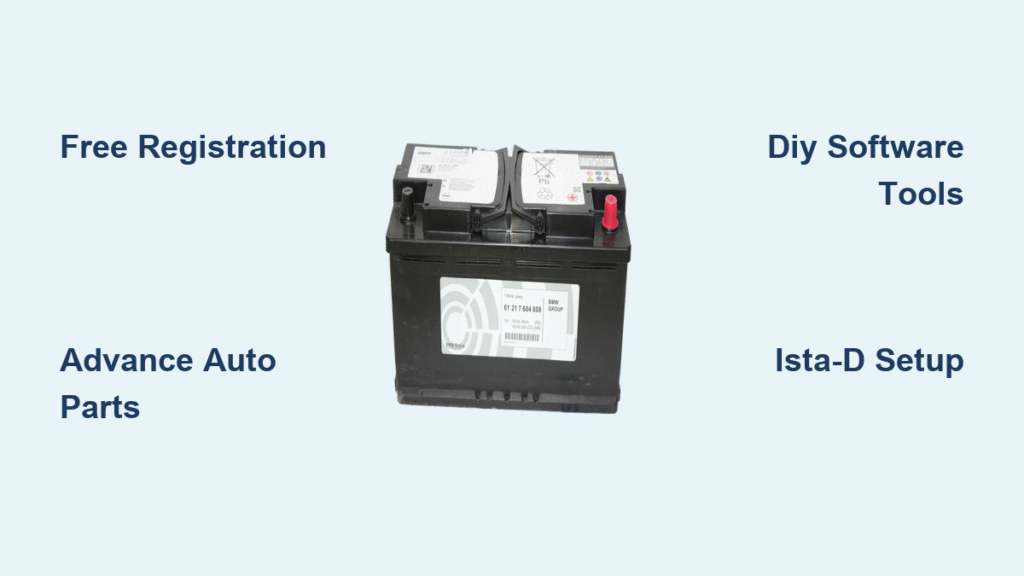
Your BMW’s battery replacement isn’t complete until you register it with the vehicle’s computer system. Skip this critical step and you’ll face shortened battery life, electrical gremlins, and potential limp mode activation. The good news? You can register your BMW battery for free using several methods that don’t require an expensive dealership visit.
This guide reveals all legitimate free options—from DIY software solutions to retail partnerships—so you can complete this essential procedure without spending hundreds on dealer service fees. Whether you’re installing a new AGM battery or replacing with an exact OEM equivalent, proper registration ensures your BMW’s electrical system operates at peak efficiency.
Why BMW Battery Registration Prevents Costly Electrical Failures
Modern BMWs use an Intelligent Battery Sensor (IBS) system that continuously monitors your battery’s health. When you install a new battery without telling the car, the system continues using old charging parameters designed for a worn battery. This mismatch creates serious problems:
Immediate risks include:
– Overcharging that boils electrolyte and kills your new battery within months
– Undercharging that leaves you stranded with a dead battery
– Activation of limp mode, reducing engine power by up to 50%
– Permanent damage to the alternator and sensitive electronics
Your BMW requires registration if it’s an E-series (2008-2012) or newer, F-series, or G-series model with advanced power management. The IBS constantly communicates with the ECU to adjust charging voltage based on battery age and type—without registration, your expensive new battery works against the system instead of with it.
How IBS System Failure Manifests in Daily Driving
Within 48 hours of improper installation:
– Dashboard warning lights (check engine, battery, ABS)
– Inconsistent charging voltage (13.2V-14.8V swings)
– Electrical accessories cutting out during acceleration
– Reduced fuel efficiency due to improper alternator load
After 2-4 weeks:
– Premature battery failure (often within 6-12 months)
– Corroded battery terminals from overcharging
– Memory loss in control modules (radio presets, seat positions)
– Increased strain on starter motor during cold starts
Free Advance Auto Parts Registration Process
How to Get Free Battery Registration at Advance Auto
Most Advance Auto Parts locations nationwide offer free battery registration when you purchase your replacement battery through them. This service includes professional installation plus registration performed by certified technicians who regularly work on European vehicles.
What you need to know before visiting:
– Battery must be purchased from Advance Auto Parts (online or in-store)
– Bring your vehicle registration showing BMW ownership
– Call ahead to confirm registration capability at your location
– Installation is included in the price with no additional labor charges
Step-by-step service experience:
1. Purchase battery online or in-store (AGM or standard)
2. Schedule installation appointment (same-day often available)
3. Technicians install battery and complete registration using professional tools
4. Receive documentation showing successful registration completion
5. Drive away with all systems functioning properly
Why Advance Auto Outperforms Dealership Service
Unlike dealerships that charge $300-$600 for registration alone, Advance Auto provides this service free with battery purchase. Their technicians use the same professional-grade diagnostic tools as dealerships but at a fraction of the cost. Most installations take 30-45 minutes, and they’ll verify proper charging voltage before you leave.
DIY BMW Battery Registration Using Free Software
Essential K+DCAN Cable Setup for E-Series Models

For E8x, E9x models (2008-2012), you’ll need an OBDII to USB K+DCAN cable costing about $23 on Amazon. This generic cable works perfectly for battery registration and connects your BMW to diagnostic software.
Installation checklist:
– Install drivers from cable manufacturer’s website
– Connect to OBDII port under dashboard (left of steering column)
– Turn ignition to position 2 (accessory ON, engine OFF)
– Verify connection in BMW Standard Tools suite
Critical troubleshooting tip: If the software doesn’t recognize your vehicle, check for bent pins in the OBDII port and ensure your battery voltage exceeds 12.4V before attempting registration.
Tool32 Quick Registration Method for Exact Replacements
For identical battery replacements (same type and capacity), Tool32 provides the fastest free registration method:
- Launch Tool32.exe from BMW Standard Tools suite
- File > Load SGB > Navigate to C:/EDIABAS/ECU/
- Select the proper DME file for your engine:
– MSV70: N52 engines (E9x 335i)
– MSD80: N43, N53, N54 with EWS4/CAS
– Mevd172KW: Early N55 (pre-late 2011)
– Mevd176k: Late N55 and newer - Find “steuernbatterietauschregistri” in job list
- Jobs menu > Run Job (Job Einmal Ausfuhren)
- Confirm “Okay” status message appears
Pro tip: Always disconnect any aftermarket electronics before registration to prevent communication errors with the CAS module.
ISTA-D Complete Registration for Battery Upgrades
Registering Different Capacity or AGM Batteries
When changing battery specifications (like upgrading from 80Ah to 90Ah AGM), use ISTA-D for proper registration:
- Launch ISTA-D software
- Identification tab > Read out > Start
- Verify VIN matches your vehicle exactly
- Vehicle management > Service functions > Body > Voltage supply > Battery
- Start search > Select “ABL register battery replacement”
- Choose “Capacity changes” option
- Enter new battery specifications following on-screen prompts
- Complete the guided process and clear any fault codes
Critical step: After registration, drive for 10-15 minutes to allow the IBS to recalibrate charging parameters. Your voltage should stabilize between 13.8V-14.2V during normal operation.
NCSexpert Coding for Permanent Battery Specification Changes

For permanent changes to battery specifications, NCSexpert provides precise control:
- Launch NCSExpert.exe with manipulation enabled
- F1 > F3 > Select your chassis > Select CAS module
- F6 (Back) > F4 > Process ECU > CAS > READ ECU
- Open FSWPSW.TRC file in work folder
- Change KLASSEBATTERIE value using proper format:
– 80ah (80Ah wet-cell)
– 90ahagm (90Ah AGM)
– 70ah (70Ah wet-cell) - Save as FSWPSW.MAN
- F5 > coapiReadSgGetFswPsw > OK
- F2 > SG_CODIEREN > F3 > Execute
- Verify “coding ended” confirmation
BMW Battery Code Reference Guide
Decoding Your Battery Specifications
Understanding BMW’s battery coding system prevents registration errors:
- B = Wet-cell lead-acid battery (standard)
- A = AGM (Absorbent Glass Mat) battery
- 046 = 46Ah capacity
- 055 = 55Ah capacity
- 070/080/090 = 70/80/90Ah capacity
Common BMW battery codes:
– B046 = 46Ah wet-cell (smaller models)
– B055 = 55Ah wet-cell
– B070/A070 = 70Ah wet/AGM
– B080/A080 = 80Ah wet/AGM
– A090 = 90Ah or 92Ah AGM (same code)
– B110 = 110Ah wet-cell (larger vehicles)
Important note: Aftermarket AGM batteries often rate at 92Ah but use the A090 code since 92Ah isn’t a specific option in BMW’s system.
Verifying Successful BMW Battery Registration

INPA Confirmation Process
After registration, verify success using INPA diagnostic software:
- Open INPA and select your chassis (e.g., E90)
- ENGINE > [DME type] > Status (F5)
- PM-IBS > PM FIELD 2
- Confirm displayed Ah rating matches your new battery
Post-registration checklist:
– Clear all stored fault codes using ISTA-D or INPA
– Test electrical systems (windows, radio, HVAC)
– Monitor charging voltage during a 15-minute test drive
– Check voltage readings after 5-10 driving cycles
Troubleshooting Failed BMW Battery Registration
Common Registration Failures and Fixes
Connection issues:
– Problem: Software doesn’t recognize vehicle
– Solution: Reinstall K+DCAN drivers, try different USB port
– Check: OBDII port for bent pins or damage
– Verify: Ignition is ON (position 2), not just accessory
Registration errors:
– Battery voltage below 12.4V – Fully charge before attempting
– Wrong battery type selected – Double-check wet vs AGM
– IBS system not detected – Confirm your vehicle has IBS
– Fault codes present – Clear codes and retry registration
Pro tip: For F-series vehicles, ensure you’re using ISTA-D version 3.60 or later for best compatibility with newer BMW models.
Free BMW Battery Registration Cost Comparison
Dealership vs Free Options Breakdown
Dealership service:
– $300-$600 total cost
– Requires appointment scheduling
– No DIY learning opportunity
Advance Auto Parts:
– Free registration with battery purchase
– Professional installation included
– Most locations nationwide
DIY registration:
– K+DCAN cable: $23
– Software: Free download
– Battery: $150-$400 (your choice)
– Total minimum: $173
When to choose free DIY registration:
– You’re comfortable with basic computer tools
– Battery specs match exactly (no capacity changes)
– You have 1-2 hours for setup and registration
When to use retail services:
– Purchasing new battery anyway
– Prefer professional installation
– Need warranty documentation
Your BMW battery registration is now within reach without dealership prices. Whether you choose free DIY software, retail partnerships, or budget-friendly alternatives, proper registration protects your investment and ensures optimal electrical system performance for years to come. Complete this essential procedure correctly, and your BMW will reward you with reliable starts, stable electronics, and maximum battery lifespan—without spending hundreds at the dealership.